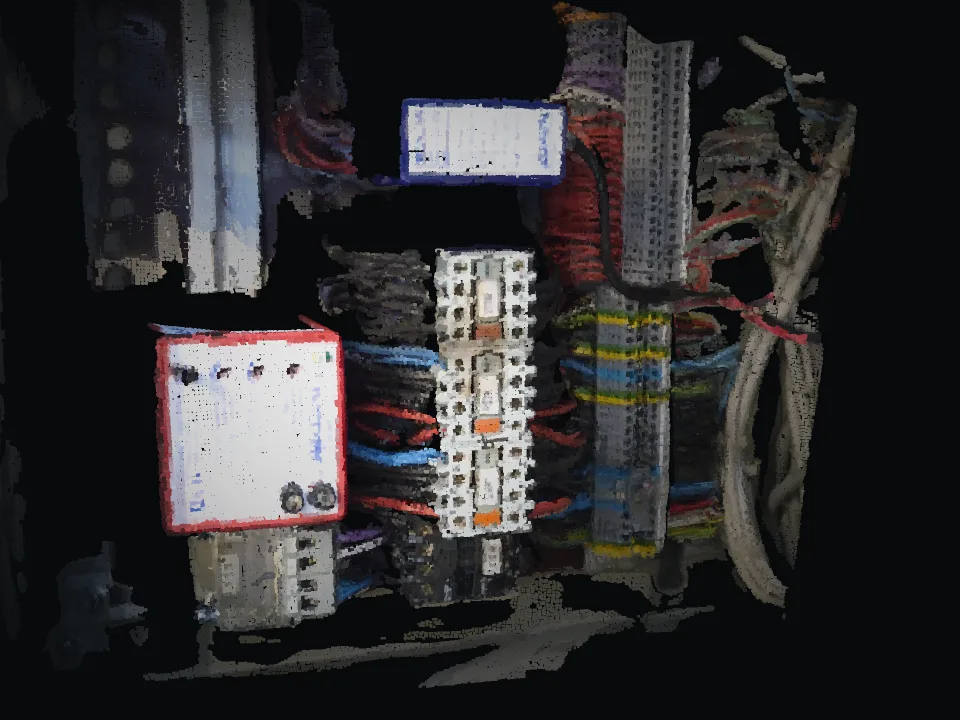
Finding defects again
At the follow-up the search starts over. Which terminal, which panel was meant?
Electrical inspections
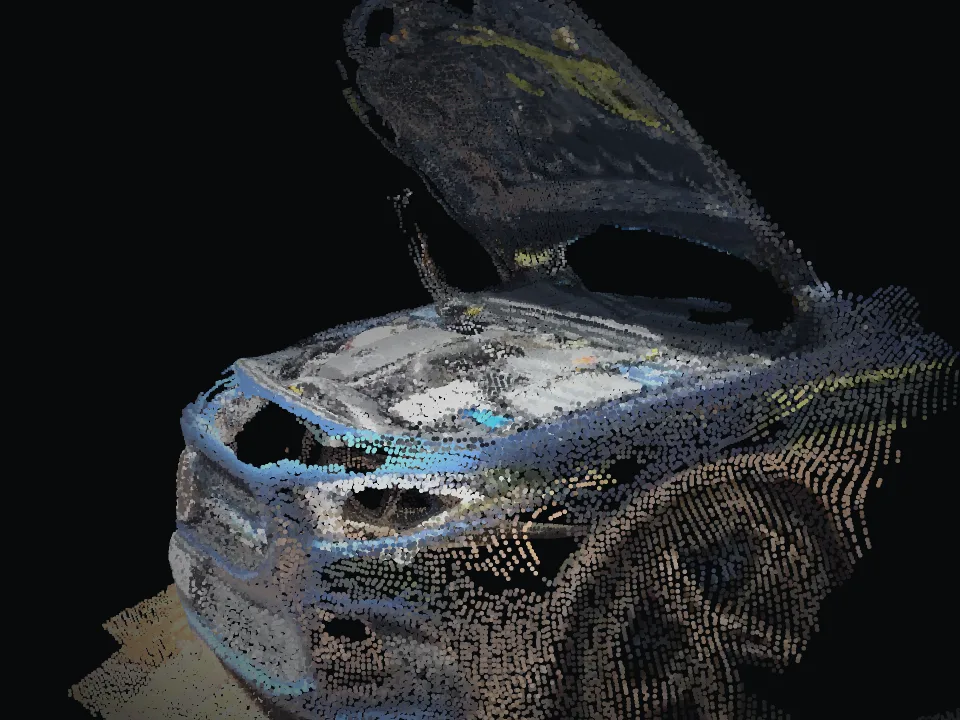
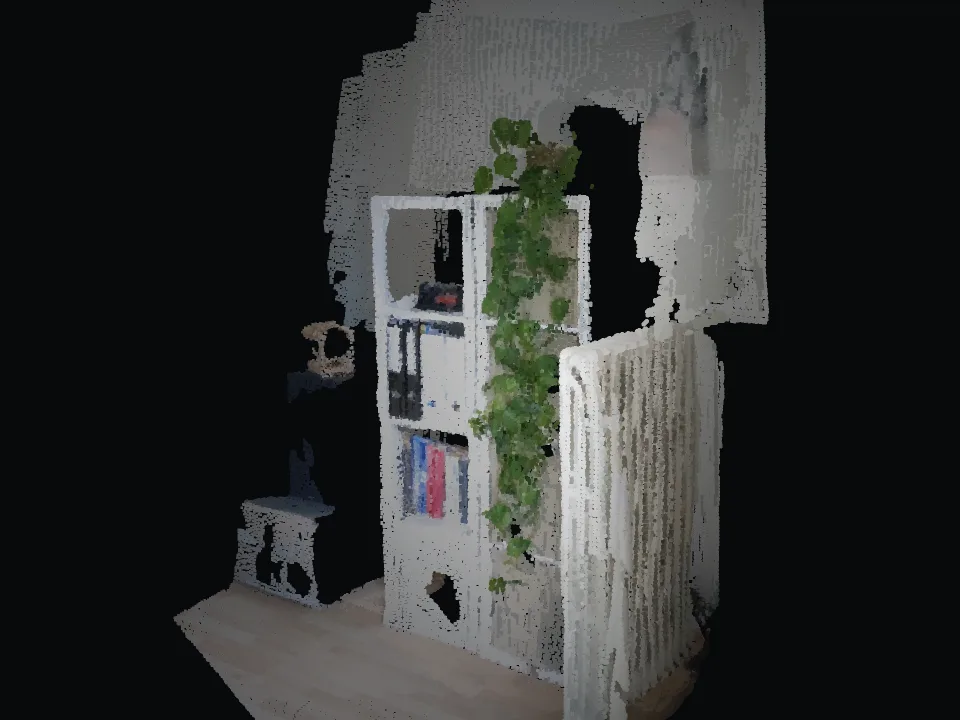
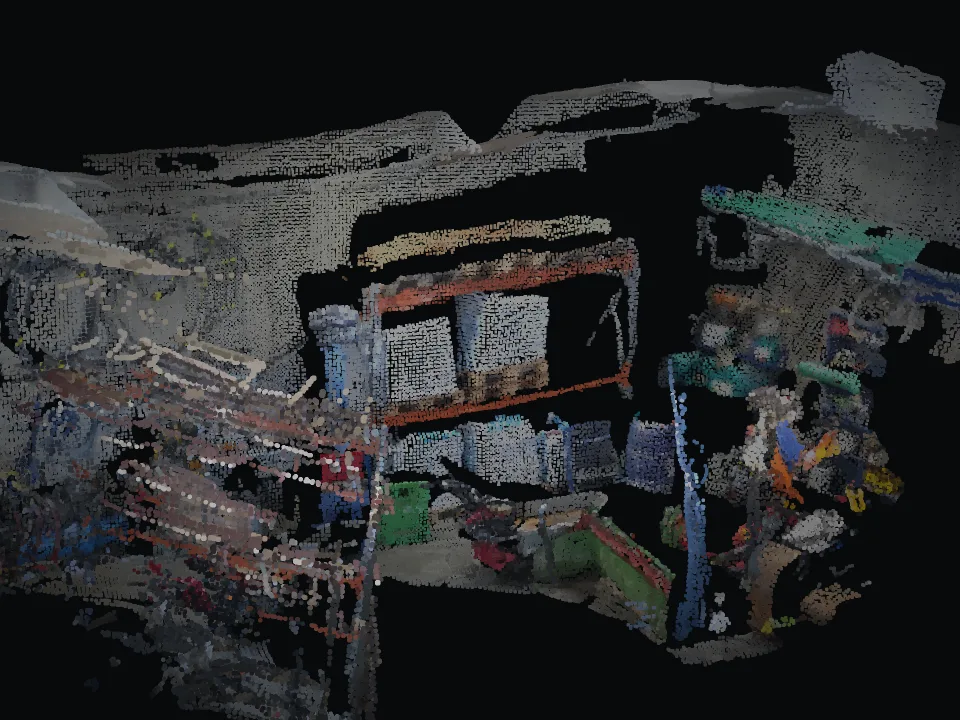
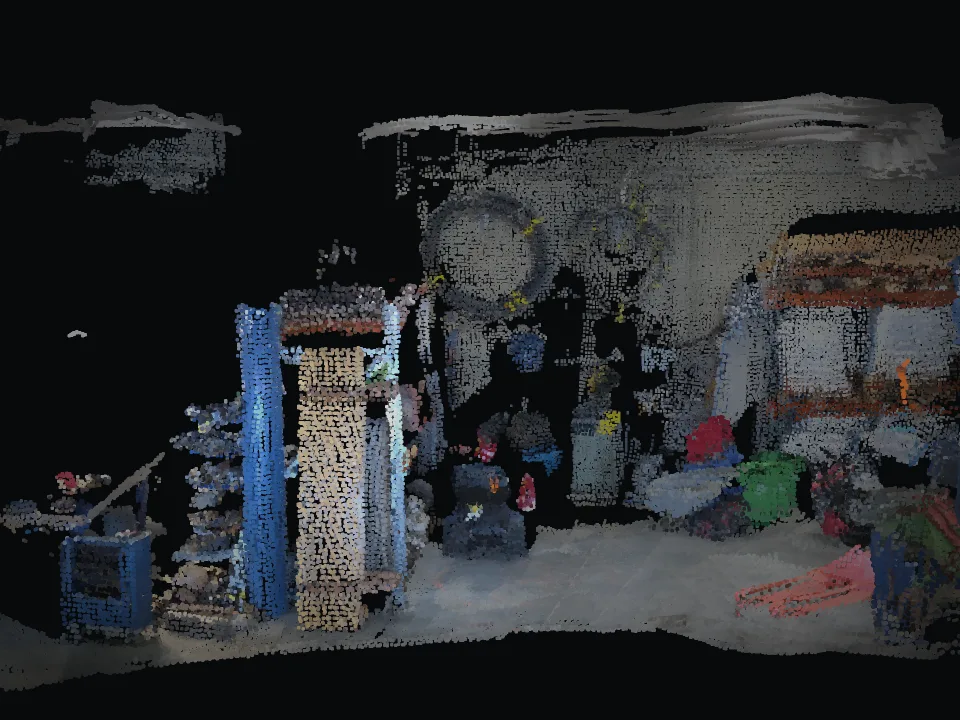
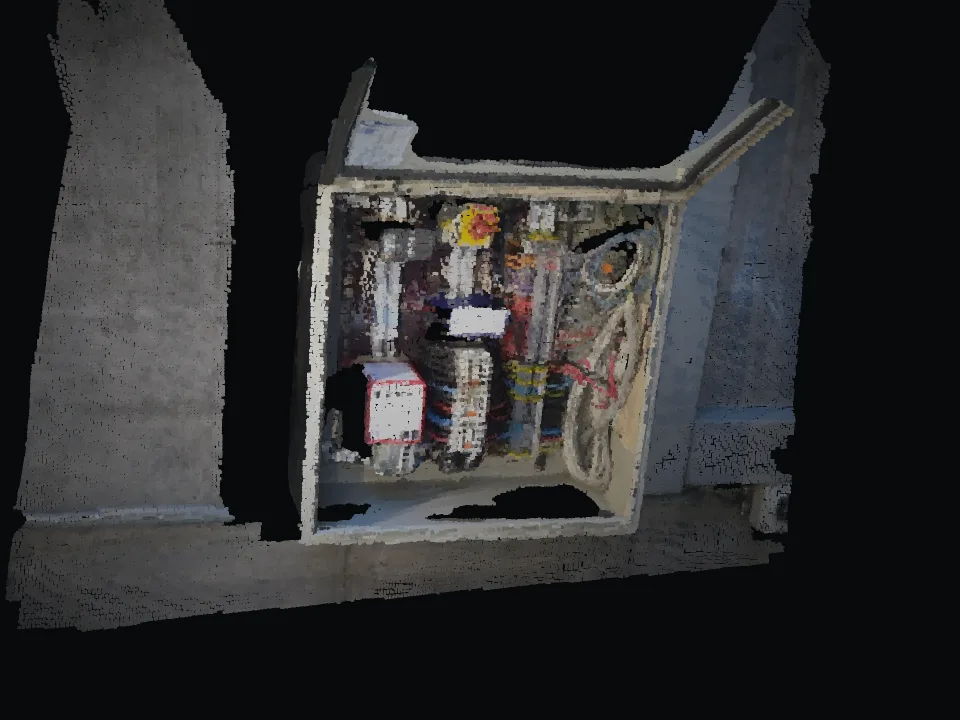
Capture distribution boards and installations with a smartphone. Defects are pinned in the 3D model and found again in AR at the follow-up inspection.
Where it hurts today
At the follow-up the search starts over. Which terminal, which panel was meant?
What has changed at the distribution board since the last periodic inspection? Without a reference that is hard to tell.
Photos and text rarely show exactly where a defect is.
The AR feature for finding defects again is helpful. A QR code or link to the defect list in the report would be useful.
How it works with INSINIK
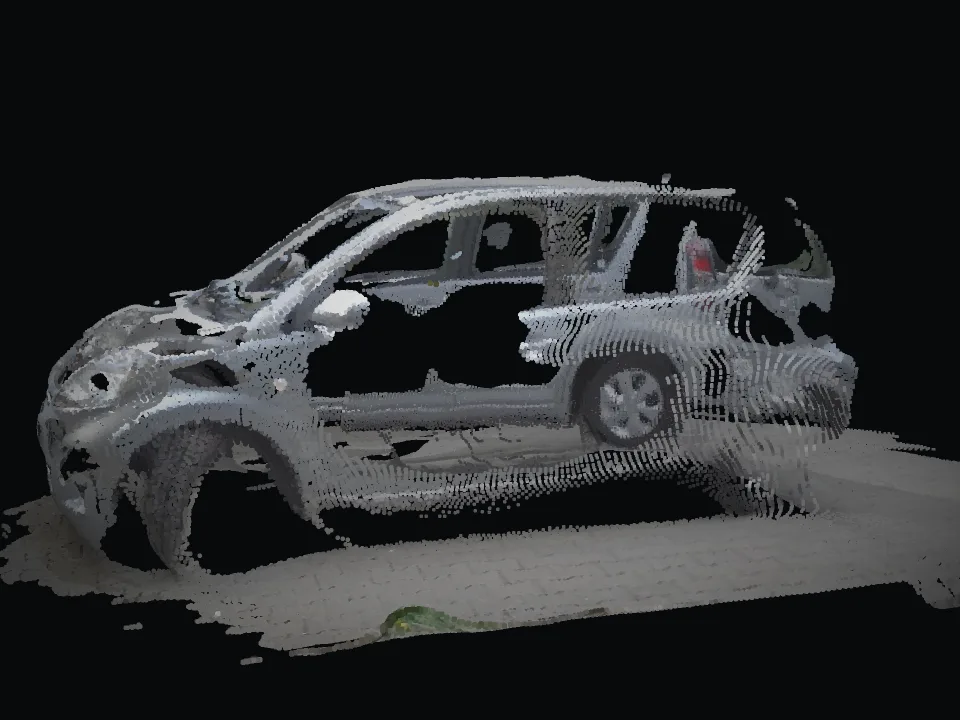
A short video of the board or installation is enough.
Each defect is marked at the right spot in the 3D model.
The report links straight to the defects in the model, for installer and owner alike.
On site, the app leads you directly to the open items.
Use cases
Who it is for
Pilot
Clearly scoped, 4 to 6 weeks, with KPIs we define together such as second visits, trips, expert hours and follow-up questions.
Typical scope
One inspection firm, one inspection type, a handful of sites.